Google Search Console just got a big upgrade.
You can now connect your Instagram, TikTok, X and YouTube accounts and see exactly how your posts perform in Google Search and Discover.
No website required. No paid tools. 100% free.
Here’s what changed and how to use it.
What’s changed?
Until now, Search Console only worked for verified websites.
That was a problem.
Google keeps showing more Reels, TikToks and YouTube videos in its search results. But you had no way to see which of your posts showed up. Or what people searched to find them.
The new “platform properties” fix that.
You connect a social account the same way you’d add a website. Then Google shows you how that account performs in Search and Discover.
The rollout starts with four platforms: Instagram, TikTok, X and YouTube.
(Google first tested this in December 2025. As of July 2026, it’s an official feature.)
What you’ll see
Each connected account gets three reports:
Performance: Total clicks and impressions. Filter by post or search query to see which searches send people to your content. You can also export the data.
Insights: A plain-English summary of recent traffic, your best posts, and how people find your account on Google.
Achievements: Milestones, like passing a new click threshold from Search over 28 days.
Bottom line: it’s the same visibility you get for a website. Now for your socials.
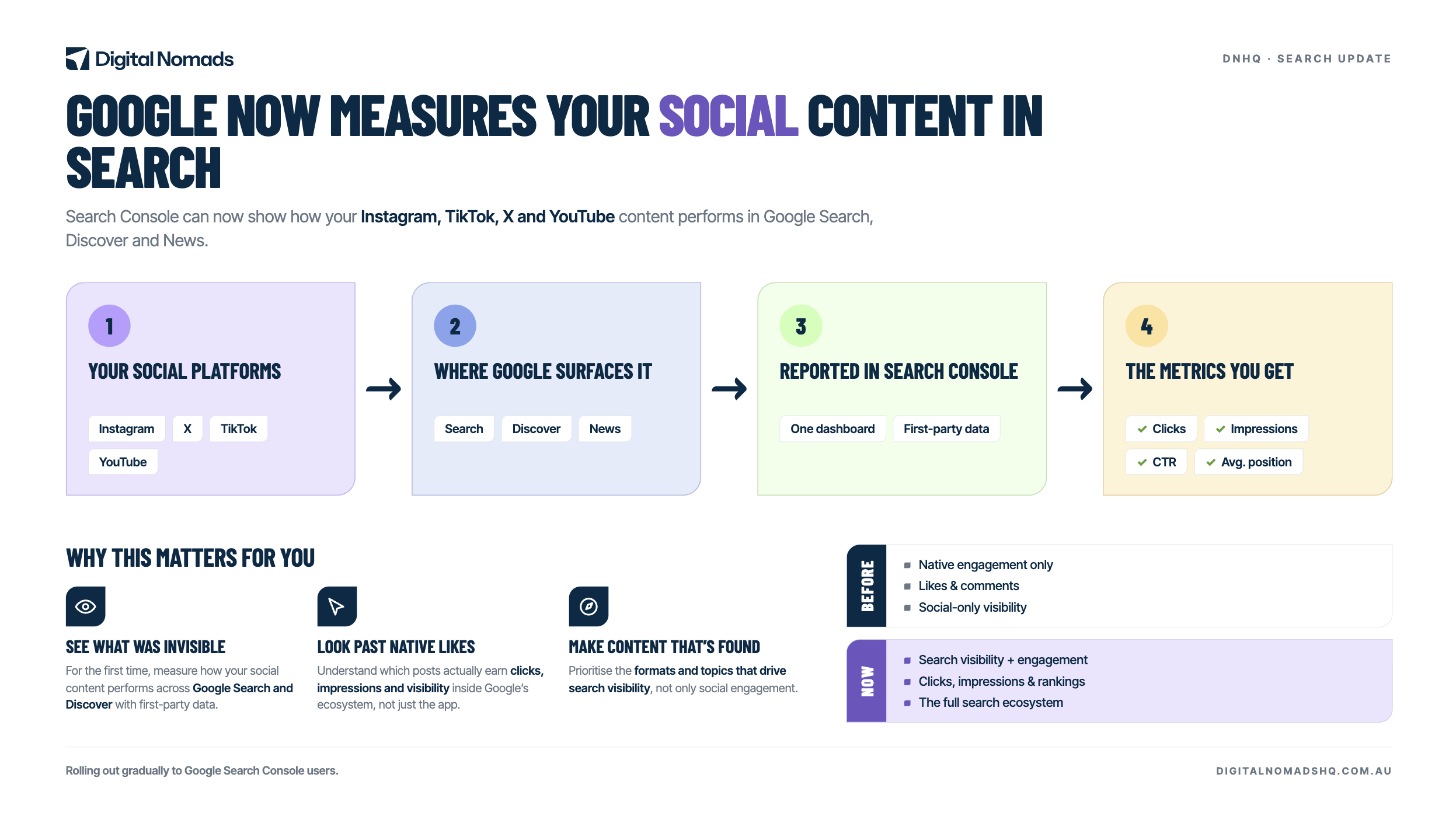
Why this matters for your business
Think about how people find brands today.
They search. And Google increasingly answers with short-form video and social content instead of web pages.
Here’s the problem: Instagram tells you how a post performs on Instagram. TikTok tells you how a video performs on TikTok. Neither tells you what happens on Google.
Now you can see it.
If your TikToks rank for valuable search terms? Make more of them.
If your posts get impressions but no clicks? Fix your hooks and captions.
And if you run a business without a website, this is the first time you can get Search Console data at all.
How to set it up
Three steps:
- Open Search Console and go to the property selector
- Click “Add property” and choose Instagram, TikTok, X or YouTube
- Follow the prompts to connect your account
One catch: Google is rolling this out over the next few weeks.
If you don’t see the option yet, check back soon.
Quick note: this is not the same as Google’s Search profiles (the public creator pages that launched in June 2026). Platform properties are private analytics. Anyone with a social account can use them.
Our take
Most businesses won’t touch this for months.
That’s your opening.
Connect your accounts now and you’ll know which searches surface your content, which formats Google favours, and where to put your content budget. While your competitors guess.
Want help setting it up or making sense of the data? Talk to the DNHQ team.